
This is an operation guide for the FS-1040/FS-1041 FS-1060DN/FS-1061DN four models of printers. It introduces the operation methods of the printers, including loading paper, basic printing operations, and troubleshooting.
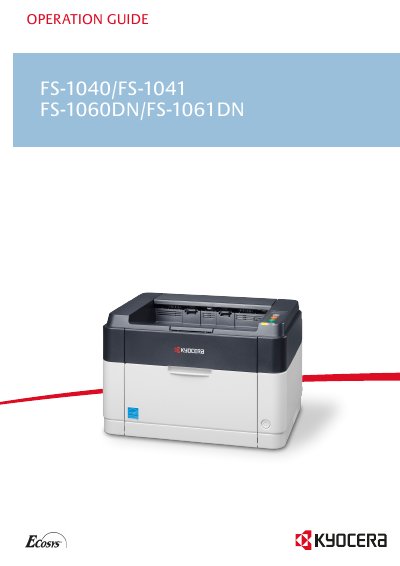
This guide provides step-by-step instructions for installing, operating, and maintaining Kyocera FS-1040/FS-1041 and FS-1060DN/FS-1061DN printers. It covers connecting the printer, loading paper, configuring settings via KYOCERA Client Tool, performing routine maintenance, and troubleshooting common issues. The guide also includes safety information and energy-saving features like Sleep and Power Off modes. It recommends using Kyocera-branded supplies to avoid damage and includes details on duplex printing and paper conservation.
The Safety Guide provides safety and cautionary information for the installation and use of the machine and must be read before using it.
The device automatically enters Sleep Mode when approximately 1 minute has passed since the device was last used.
The device automatically turns its power off when 1 hour has passed since the device was last used.