
This operation manual describes the features and characteristics of the FS-1025MFP, FS-1120MFP, and FS-1125MFP models, including proper machine operation, routine maintenance, and simple troubleshooting measures.
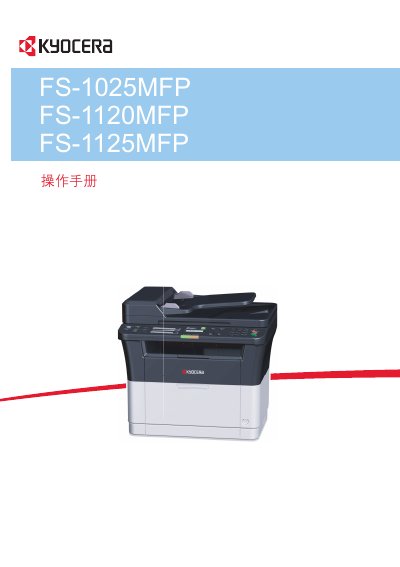
This document is the operation manual for the Kyocera FS-1025MFP, FS-1120MFP, and FS-1125MFP series of Multi Function Printers (MFPs). It provides instructions on machine components, preparation steps including connections and paper loading, and detailed guidance on copying, printing, scanning, and faxing functions. This manual is written in Chinese.
This manual is applicable to the FS-1025MFP, FS-1120MFP, and FS-1125MFP models.
Yes, double-sided printing is built-in as a standard function for the FS-1025MFP and FS-1125MFP models.
The machine supports printing on paper with a density of 64 g/m².