
KYOCERA FS-1025MFP FS-1120MFP/FS-1125MFP FS-1320MFP/FS-1325MFP Operation Guide

This is an operation guide of FS-1025MFP, FS-1120MFP, FS-1125MFP, FS-1320MFP and FS-1325MFP
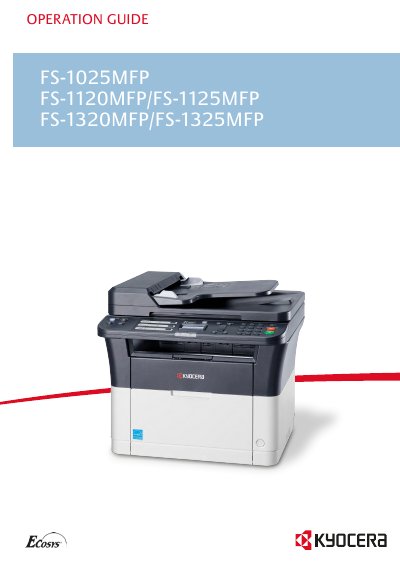

KYOCERA FS-1025MFP FS-1120MFP/FS-1125MFP FS-1320MFP/FS-1325MFP Operation Guide - cover page
Brand
Kyocera
Category
Printer
Document type
User Manual
Language
English
Pages
200
File format
PDF
File size
7.4 MB
Published
17 October, 2023
Updated
17 October, 2023
MD5 checksum
161CC2BD5254A00150992044F20FC5E6

About this manual

This guide provides step-by-step instructions for operating KYOCERA multifunction printers including FS-1025MFP, FS-1120MFP, FS-1125MFP, FS-1320MFP, and FS-1325MFP. It covers loading paper and originals, basic copy/print/scan operations, troubleshooting, maintenance, and using software tools like KYOCERA Client Tool and printer drivers. Safety and environmental guidelines are also included.

What's inside

  • Machine Parts
  • Preparation
  • Copying
  • Printing
  • Scanning
  • Default Setting (System Menu)
  • FAX Operations
  • Maintenance
  • Troubleshooting
  • Appendix

Frequently asked questions

What is the purpose of this Operation Guide?

This guide helps you operate the machine correctly, perform routine maintenance, and take simple troubleshooting actions.

What happens if the machine is not used for approximately one minute?

The device automatically enters Sleep Mode to reduce energy consumption.

What occurs if the machine is not used for one hour?

The device automatically turns its power off.

Download PDF (7.4 MB)

More Kyocera Manuals


View all Kyocera manuals →