
This is a Kodak EasyShare DX7630 digital camera user's guide, which introduces the features and usage of the camera.
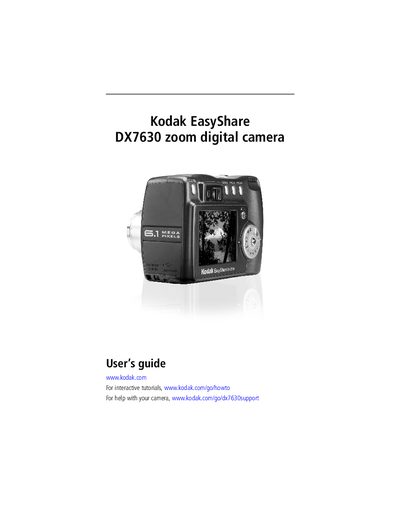
This guide covers everything you need to start using the Kodak DX7630 EasyShare digital camera, from unpacking and charging the Li‑ion battery to installing the EasyShare software on your computer. Detailed instructions walk you through taking photos and videos, using zoom, flash, and exposure settings, and reviewing or deleting images on the camera.
Additional sections explain how to connect the camera to a TV via AV Out, transfer files via USB, share pictures online, and troubleshoot common issues. The appendix provides full camera specifications, safety information, and regulatory compliance details.
| Zoom type | Wide angle/Telephoto |
|---|---|
| Flash units | 8 |
| AV Out | Yes, for TV viewing |
| USB Port | Present |
| DC‑In voltage | 5 V |
Charging the Li‑ion battery takes approximately three hours.
Turn the mode dial to Off, slide the battery door open, tilt the battery so the lock moves aside, and push the battery into the compartment.
Yes, connect the camera to a TV using the AV Out port.