
This user guide provides instructions for operating the Kodak EasyShare DX7630 zoom digital camera, including setup, shooting photos and video, viewing…
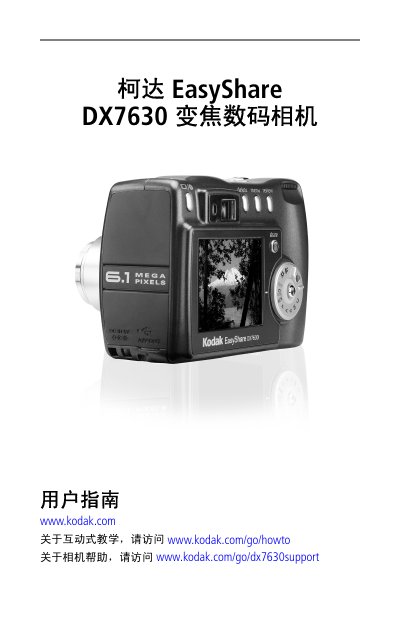
The Kodak EasyShare DX7630 is a compact digital camera featuring a 1/1.8-inch CCD sensor with approximately 6.1 megapixels of resolution. It includes a 3x optical zoom lens (f/2.8-4.8) and supports both SD and MMC memory cards for storage. The device offers various shooting modes, including Auto, Portrait, Landscape, and Scene modes, as well as manual controls via the PASM mode dial. This manual is written in Chinese.
| Sensor Type | 1/1.8 inch CCD, 4:3 aspect ratio |
|---|---|
| Max Resolution | 2856 x 2142 pixels (6.1 MP) |
| Display | 2.2 inch Hybrid LCD, 640 x 240 pixels |
| Lens Zoom | 3x Optical Zoom, f/2.8-4.8 |
| Focus Range | 60 cm (24 in) to Infinity |
| Digital Zoom | 1-4x, 0.2x increment |
The maximum output image size is 2856 x 2142 pixels, which corresponds to approximately 6.1 megapixels.
No, the specifications for this model state that it does not support video shooting.
The camera supports SD and MMC storage cards, as indicated by the slot description on the bottom view.