
The Jolimark FP-700K ticket printer user manual provides safety guidelines, setup, paper loading, operation, maintenance, specifications, and command reference.
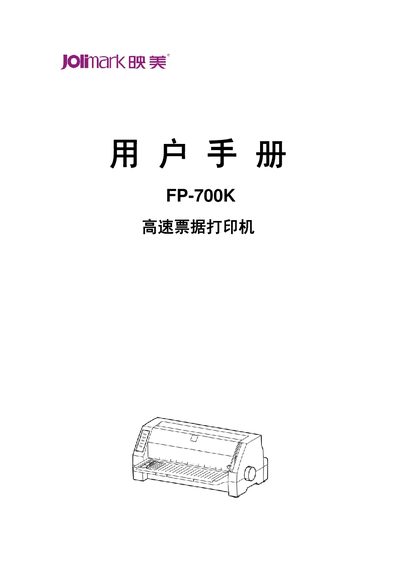
The Jolimark FP-700K is a 24-pin high-speed ticket printer for daily document and ticket printing in industries such as tax, post, telecom, hospital, insurance, finance, securities, customs, hotel, aviation, and transport. It uses a 110-column platen feed mechanism and supports single-sheet and continuous paper with automatic feed and eject.
The printer provides a tear-off function, easy switching between single and continuous paper, and graphics printing up to 360 DPI horizontal by 180 DPI vertical. Its control panel and menu system manage printer settings, and it is compatible with OKI5530SC and Epson ESC/PK2 commands. It connects to a computer through a parallel or USB interface. This manual is written in Chinese.
| Print head | 24-pin |
|---|---|
| Columns | 110 columns |
| Resolution | 360 DPI horizontal × 180 DPI vertical |
| Interfaces | Parallel and USB |
| Command compatibility | OKI5530SC and Epson ESC/PK2 |
| Character set | GB18030 |
| Ribbon cartridge | JMR110 |
Single-sheet paper is fed from the front of the printer and automatically advances to the print start position.
The printer has one parallel interface and one USB interface for connecting to a computer.
Use the JMR110 ribbon cartridge.
The print head may be hot immediately after use, so do not touch it.