
The Jolimark FP-570KII Pro ticket printer user manual provides safety instructions, setup steps, operation details and specifications.
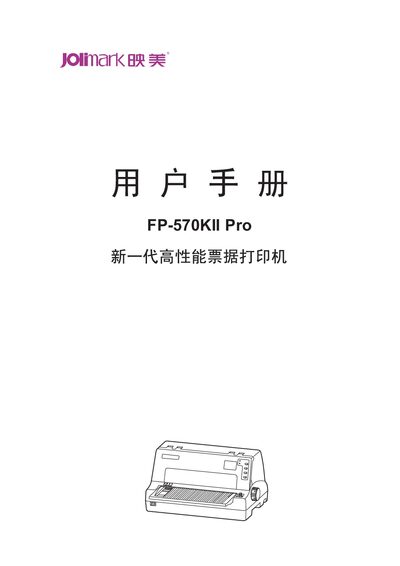
This manual covers safety guidance, product features, preparation work, paper installation, control panel operation, maintenance, and technical specifications for the Jolimark FP-570KII Pro ticket printer. It includes detailed instructions for installing the printer, loading single‑page or continuous paper, connecting interfaces, and configuring settings via the LCD menu.
Additional sections describe barcode support, automatic paper detection functions, and recommended environmental conditions. The appendix provides full specifications, paper dimensions, and compliance information. This manual is written in Chinese.
| Printing method | 24‑needle dot matrix printer |
|---|---|
| Print speed | 150 characters per second (CPS) |
| Resolution | 360 × 360 dpi (max) |
| Interface – USB | USB 2.0 Full‑Speed (standard) |
| Data buffer | 132 KB |
| Power consumption (working) | 68 W |
Insert the tray at a downward angle into the front slot, then lay it flat until the latch clicks into place.