
The HP LaserJet P2030 printer series is a high-performance, high-value laser printer that uses HP's latest Instant-on thermal inkjet technology, which takes only 8 seconds from standby mode to print the first page, with a speed of 30ppm. This printer also has a 250-sheet input tray and a 50-sheet multipurpose tray to meet the daily office printing needs.
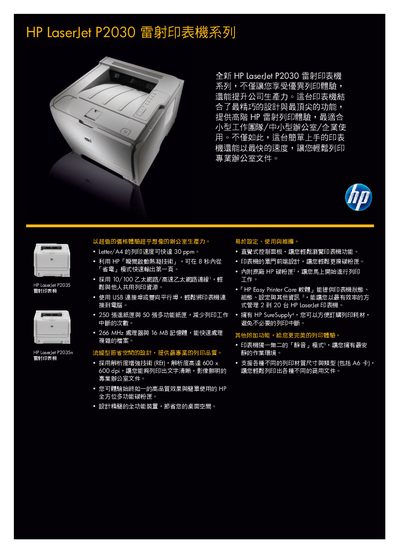
This manual introduces the HP LaserJet P2030 laser printer, describing its design, key features, and how to install and configure the device using USB, Ethernet, or parallel connections. It guides users through loading paper, installing the toner cartridge, and using the printer software for everyday office printing tasks.
The document also lists detailed technical specifications such as print speed, resolution, processor, memory, and consumable capacities, along with safety, compliance, warranty, and support information for maintaining reliable operation. This manual is written in Chinese.
| Print speed | 30 ppm (letter/A4) |
|---|---|
| Processor | 266 MHz |
| Memory | 16 MB |
| Print resolution | 600 x 600 dpi |
| Paper tray capacity | 250 sheets |
| Weight | 10.7 kg |
It can print up to 30 pages per minute in letter/A4 size.
The printer supports USB 2.0, 10/100 Ethernet, and a parallel port.
The standard black toner cartridge yields about 2,300 pages.