
This guide introduces basic operations and troubleshooting for the HP Photosmart C5100 All-in-One series, and provides information for contacting HP support and ordering supplies.
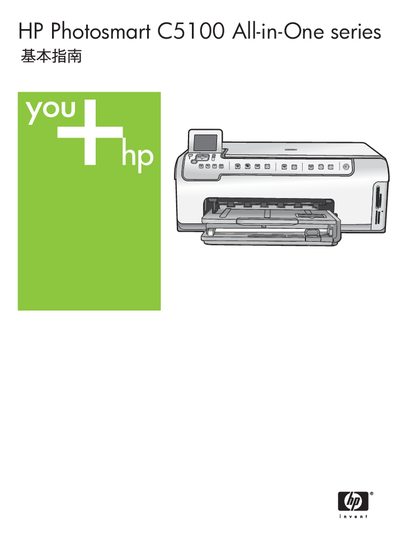
This guide introduces the HP Photosmart C5100 All-in-One, covering basic concepts, console functions, and the bundled HP Photosmart software. It explains how to load media, print photos, scan documents, and perform copies directly from the control panel without a computer.
Detailed sections cover network configuration, ink‑cartridge replacement, cleaning procedures, and extensive troubleshooting. Technical specifications such as paper formats, power requirements, and system requirements are listed, and contact information for HP support and warranty options is provided. This manual is written in Chinese.
| Supported photo paper size | 10 × 15 cm (4 × 6 in) |
|---|---|
| Supported paper size | Letter |
| Supported paper size | Legal |
| Ethernet speed support | 10 Mbps and 100 Mbps |
Connect an Ethernet cable from the HP All-in-One’s Ethernet port to a router or switch, then follow the network setup steps in the manual.
Insert the memory card into the slot, then press the “Print Photos” button to launch the Photosmart Express menu and print the images.
Open the ink‑cartridge door, remove the empty cartridge, insert a new HP ink cartridge, and close the door.
Open the front cover, lift the glass plate, wipe it with a lint‑free cloth, and replace it before closing the unit.