
This manual introduces the basic operations and troubleshooting for the HP Photosmart C5100 All-in-One, and provides information on contacting HP support and ordering supplies. The onscreen help provides detailed information on the complete features and functions, including how to use the HP Photosmart software that comes with the All-in-One.
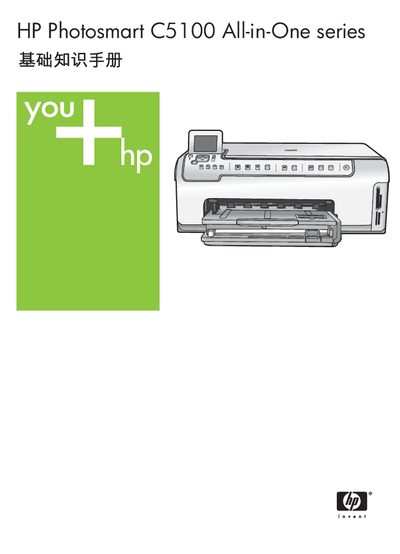
This manual introduces the HP Photosmart C5100 All-in-One, covering its main functions such as printing, copying, scanning, and using the built‑in Photosmart software. It explains the control‑panel layout, media loading, and basic operation steps.
It also details network configuration, ink‑cartridge replacement, cleaning procedures, and provides a full set of technical specifications (print, copy, scan resolutions, power and physical dimensions). Troubleshooting tips and support contact information are included for common issues. This manual is written in Chinese.
| Black‑and‑white print resolution | 1200 × 1200 dpi |
|---|---|
| Color print resolution (optimized) | 4800 × 1200 dpi |
| Optical scan resolution | 2400 × 4800 dpi |
| Enhanced scan resolution | 19200 dpi |
| Maximum power consumption | 16 W (average during printing) |
| Input voltage | 100‑240 V AC, 50‑60 Hz |
| Weight | 9.5 kg |
Use a CAT‑5 Ethernet cable to connect the printer’s Ethernet port to a router, switch, or hub, then install the HP software to configure the network settings.
Wipe the glass plate with a soft, lint‑free cloth; avoid using abrasive cleaners.
The device prints up to 1200 × 1200 dpi in black‑and‑white and up to 4800 × 1200 dpi in optimized color mode.