
Key facts
- Brand
- Futaba
- Model
- R6208SB
- Category
- Other Electronics
- Industry
- Electronics
- Documents
- 2
- Languages
- EN
- Last added
- 2012-08-09
Start here
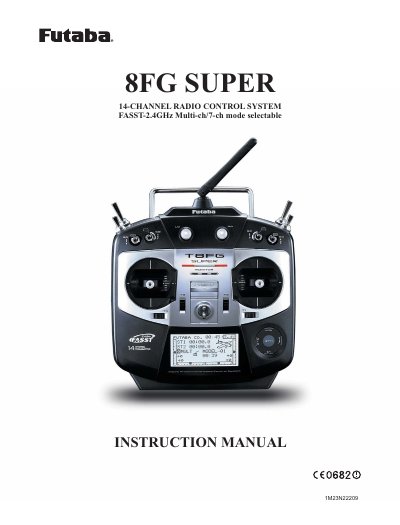
Futaba R6208SB 8FG SUPER Radio Control System Instruction Manual
This manual provides instructions for the Futaba 8FG SUPER series digital proportional R/C system, specifically model R6208SB. It covers the system's features, safety precautions, and basic operation procedures for both beginners and experienced users. The guide details how to install the receiver and servos, charge the battery, and navigate the transmitter's home screen and menus.
Read onlineFutaba R6208SB specifications
| Channels | 8 channels |
|---|---|
| System Compatibility | S.BUS compatible/FASST-2.4GHz (Multi-ch) system |
| Size | 0.98 x 1.86 x 0.56 in. |
| Weight | 0.49 oz. |
| Power Requirement | 3.7V to 7.4V |
Source: Futaba R6208SB S.BUS Compatible Receiver User Manual
All Futaba R6208SB documents by type
Day-to-day operation, settings and troubleshooting. Start here if the product is already set up.
Questions answered in these manuals
What is the difference between Normal and High Speed mode?
High-speed mode allows the use of Futaba digital servos or S.BUS servos on channels 1 to 6, whereas analog servos cannot be used in this mode.
How do I switch between Normal and High Speed modes?
Press and hold the Link/Mode switch for more than one second while turning on the receiver, then release it.
What types of models can this radio control system operate?
This product is intended for use with model airplanes, boats, cars, or robots for hobby and recreational purposes.
From: Futaba R6208SB 8FG SUPER Radio Control System Instruction Manual
How many channels does the R6208SB system provide?
The system provides 8 channels for controlling the model.
From: Futaba R6208SB 8FG SUPER Radio Control System Instruction Manual