
Key facts
- Brand
- Futaba
- Model
- R6203SB
- Category
- Other Electronics
- Industry
- Industrial
- Documents
- 2
- Languages
- EN
- Last added
- 2012-08-09
Start here
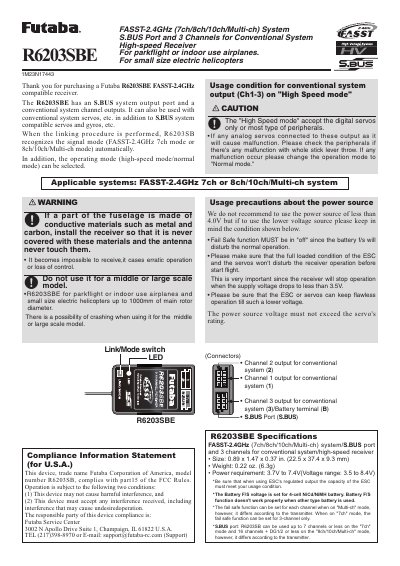
Futaba R6203SBE High-Speed Receiver User Manual
User Manual 2 pages · 177 KB · EN
The Futaba R6203SBE is a high-speed receiver designed for use with FASST-2.4GHz 7ch, 8ch, 10ch, or Multi-ch systems. It features an S.BUS system output port and three channels for conventional system outputs, supporting both digital servos and most types of peripherals.
Read onlineFutaba R6203SB specifications
| System Compatibility | FASST-2.4GHz (7ch/8ch/10ch/Multi-ch) system/S.BUS port and 3 channels for conventional system |
|---|---|
| Size | 0.89 x 1.47 x 0.37 in. (22.5 x 37.4 x 9.3 mm) |
| Weight | 0.25 oz. (7.2g) |
| Power Requirement | 3.7V to 7.4V (Voltage range: 3.5 to 8.4V) |
All Futaba R6203SB documents by type
User Manual 2
Day-to-day operation, settings and troubleshooting. Start here if the product is already set up.
Questions answered in these manuals
What are the applicable systems for this receiver?
The device is compatible with FASST-2.4GHz 7ch, 8ch, 10ch, or Multi-ch system.
What is the recommended battery voltage?
The Battery F/S voltage is set for a 4-cell NiCd/NiMH battery.
What is the factory default operation mode?
The operation mode is set to "Normal mode" from factory shipping.
How do I switch between Normal and High Speed modes?
Press and hold the Link/Mode switch for more than one second while the receiver is on to toggle the mode.