
This document is an operator's guide for the M3096EX and M3096GX image scanners. It provides information about the specifications and features of the products.
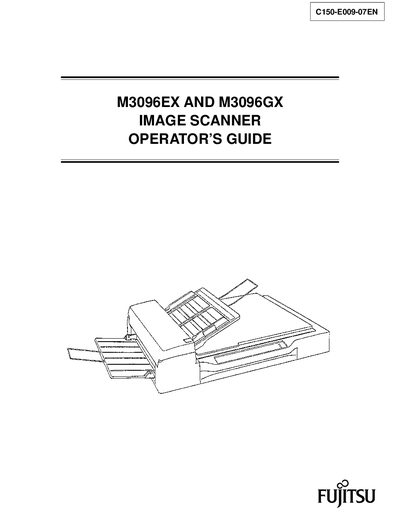
This manual explains how to operate the Fujitsu M3096EX and M3096GX image scanners, covering hardware components, installation, connections, and normal use. It also details safety warnings and cautions to prevent injury or damage.
The guide includes detailed procedures for routine maintenance such as cleaning, pad and pick‑roller replacement, as well as troubleshooting steps and appendices with specifications and contact information for Fujitsu support.
| Interface (M3096EX) | RS232C |
|---|---|
| Interface (M3096GX) | SCSI2 |
| Maximum image size (M3096EX) | A3 |
| Maximum image size (M3096GX) | A4 (Europe size) |
| Pick roller replacement procedure | See maintenance chapter |
The M3096EX uses an RS232C interface.
The M3096GX uses a SCSI2 interface.
To replace the pick roller, move the retaining spring, slide the pick roller, and remove it as described in the maintenance chapter.