
This document is about the manual of fi-5110eoxm color image scanner, the scanner can automatically recognize color or black and white content, support one-button to convert paper documents into PDF format, and automatically delete blank pages to save file size
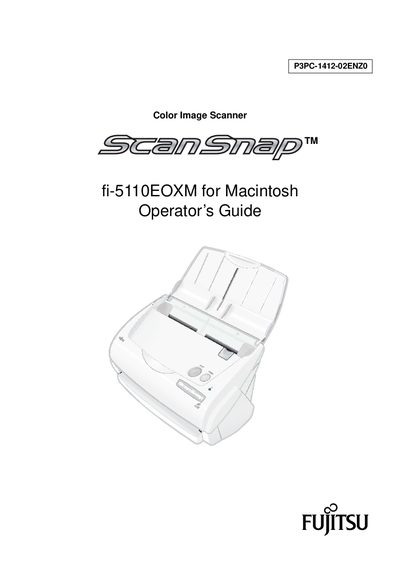
This guide explains how to install, connect, and operate the ScanSnap fi-5110EOXM scanner. It includes step‑by‑step instructions for loading documents, adjusting scan settings, and using OCR features.
The manual also covers routine care, consumable replacement, safety information, and regulatory compliance, helping users keep the scanner running reliably in office environments.
| Scanning speed (Normal mode) | 15 sheets/minute |
|---|---|
| Supported document sizes | A4 or Letter, double‑sided |
| Maximum AC cable length | 3 meters (10 feet) |
| TWAIN/ISIS support | Not supported |
| Footprint | Smaller than A4/Letter paper |
It can scan up to 15 sheets per minute when set to Normal (Fastest) quality.
No, the scanner does not support the TWAIN and ISIS standards.
The AC cable must be 3 meters (10 feet) or shorter.
Yes, it can scan double‑sided color documents of A4 or Letter size.