
This document is the operator's guide for the Fuji Xerox ScanSnap fi-5110EOX color image scanner
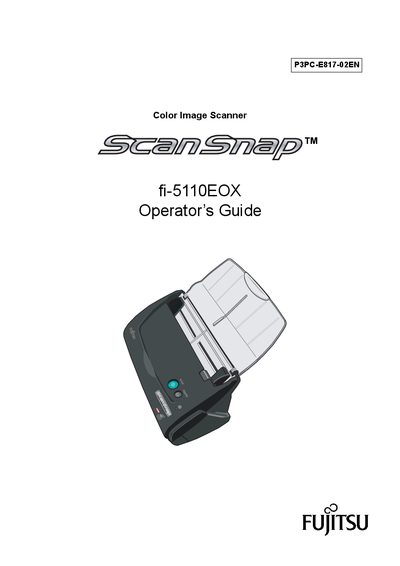
This guide introduces the ScanSnap fi-5110EOX color image scanner and explains how to install the hardware, connect it to a PC, and use the supplied software. It covers safety precautions, part identification, and the steps required to start scanning right away.
The manual also details scanning settings, handling different document types, cleaning procedures, consumable replacement, and troubleshooting. Regulatory and compliance information, as well as warranty notices, are included at the end of the document.
| Scanning speed | about 15 sheets/minute |
|---|---|
| Maximum AC cable length | 3 meters (10 feet) or less |
| TWAIN/ISIS support | Not supported |
| Automatic blank‑page removal | Enabled |
It can scan double‑sided color documents at about 15 sheets per minute.
No, the scanner does not support TWAIN or ISIS standards.
Yes, it can automatically remove blank pages to reduce file size.
Adobe Acrobat is packaged with the scanner for viewing and managing PDF files.