
This is an operator's guide for the fi-4860C color scanner
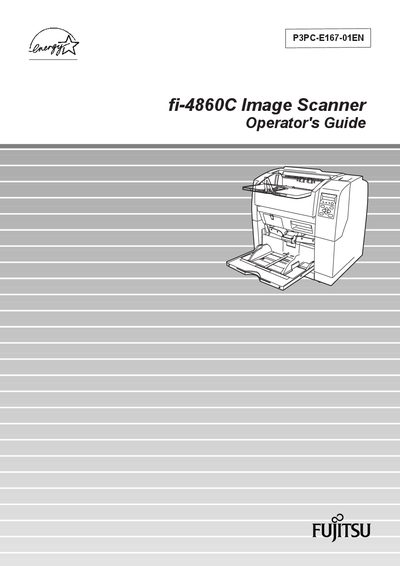
This Operator's Guide explains how to set up and operate the Fujitsu fi-4860C duplex color scanner. It covers basic operations, document scanning, daily care, consumable replacement, and troubleshooting, helping users achieve optimal scan results.
The manual is organized into chapters such as Basic Operations, Scanning Documents, Daily Care, Replacing Consumables, Solving Common Problems, ADF Document Specifications, Operator Panel Menus, Options, and Scanner Specifications, and also includes safety and regulatory information.
| Scanning speed (A4, 200 dpi) | 60 ppm (color) / 120 ipm (black) |
|---|---|
| Document hopper capacity | 500 sheets (20 lb / 75 g·m² A4) |
| Duplex scanning | Standard |
| Parallel interface cable max length | 3 m (10 ft) |
| Serial interface cable max length | 15 m (50 ft) |
| AC cable max length | 3 m (10 ft) |
It scans A4‑size documents at 60 ppm in color or 120 ipm in black at 200 dpi.
The hopper can hold up to 500 sheets of 20 lb (75 g·m²) A4 paper.
Parallel interface cable up to 3 m, serial interface cable up to 15 m, and AC cable up to 3 m.
Yes, the scanner lamp contains mercury and should be handled according to local regulations.