
This is the user manual for the Fujitsu fi-4860c scanner
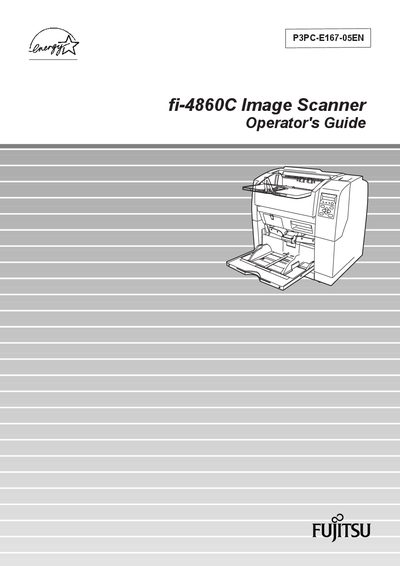
This guide introduces the Fujitsu fi-4860C duplex color scanner, highlighting its high‑speed, high‑quality scanning of Letter/A4 documents at 60 ppm (120 ipm duplex) with 200 dpi resolution and a 500‑sheet high‑capacity hopper.
It covers basic operation, document scanning, daily care, consumable replacement, common problem solving, ADF specifications, panel menus, optional accessories, detailed specifications, installation, connections, and regulatory compliance information.
| Scanning speed (simplex) | 60 ppm |
|---|---|
| Scanning speed (duplex) | 120 ipm |
| Resolution | 200 dpi |
| Hopper capacity | 500 sheets (20 lb / 80 g/m²) |
| Duplex capability | Standard feature |
| SCSI cable length limit | ≤ 1.5 m (5 ft) |
| AC power cable length limit | ≤ 3 m (10 ft) |
| Regulatory class | FCC Class A digital device |
It scans Letter/A4 documents at 60 pages per minute in simplex mode and 120 images per minute in duplex mode.
The scanner’s hopper can hold up to 500 sheets of 20 lb (80 g/m²) paper.
It is classified as a Class A digital device under FCC Part 15 rules.