
Key facts
- Brand
- Fluke
- Model
- I200
- Industry
- Industrial
- Documents
- 2
- Languages
- DE · EN
- Last added
- 2012-05-07
Start here
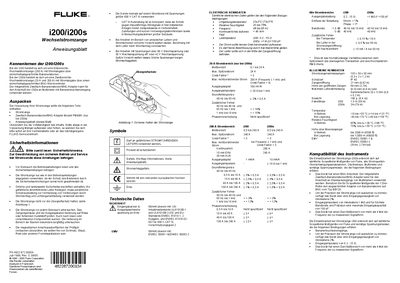
Fluke i200/i200s User Manual
This manual covers safety information, proper handling, and connection methods for the Fluke i200 (single‑range 200 A) and i200s (dual‑range 20 A/200 A) AC current clamps. It explains how to attach the clamps to measurement instruments, select the appropriate measurement range, and interpret the output signals.
Technical data, calibration guidance, cleaning and storage procedures, troubleshooting tips, and warranty details are also included, ensuring reliable and safe operation in accordance with IEC/EN standards. This manual is written in German.
Fluke I200 specifications
| Dimensions | 135 × 50 × 30 mm |
|---|---|
| Protection class | IP40 |
| Jaw opening | 21 mm (0.82 in) |
| Weight | 180 g (6.4 oz) |
| Cable length (i200) | 1.5 m (59 in) |
| Cable length (i200s) | 2 m (9 in) |
| Maximum continuous current | 200 A |
| Maximum peak current | 240 A (frequency < 1 kHz, Crest‑Factor < 3) |
Source: Fluke i200/i200s User Manual
All Fluke I200 documents by type
Day-to-day operation, settings and troubleshooting. Start here if the product is already set up.
Questions answered in these manuals
How do I connect the i200s to a multimeter?
Use the supplied dual banana/BNC adapter (model PM9081) to connect the i200s to a multimeter’s banana‑plug input.
What is the recommended cable length for the i200s?
The i200s comes with a 2 m (9 in) cable.
What items are included in the i200/i200s box?
The box contains the current clamp, a dual banana‑to‑BNC adapter (model PM9081, only with i200s), and the instruction sheet.
How do I connect the i200s to a multimeter?
Use the supplied dual banana‑to‑BNC adapter (PM9081) to connect the clamp’s BNC connector to the multimeter’s banana inputs.