
This manual describes how to use the Epson Stylus Photo R1900 series.
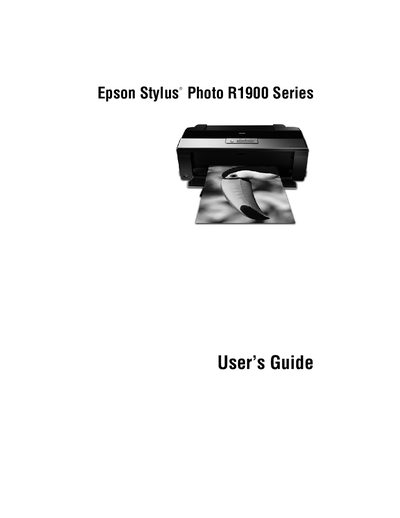
This manual provides step‑by‑step instructions for using the Epson Stylus Photo R1900 Series ink‑jet printer, covering paper loading, printing operations, color management and media handling for sizes up to 13 × 44 inches.
It also details routine maintenance such as cleaning and aligning the print head, checking ink cartridge status, replacing cartridges, and solving common problems. Warranty and regulatory information are included at the end of the document.
| Print resolution | 5760 × 1440 dpi |
|---|---|
| Ink system | Eight UltraChrome Hi‑Gloss®2 ink cartridges |
| USB ports | Two Hi‑speed USB 2.0 ports |
| Model number | B431A |
Open the printer cover, check the ink cartridge status, and follow the instructions in the "Replacing Ink Cartridges" section to remove the empty cartridge and install a new one.