
Key facts
Start here
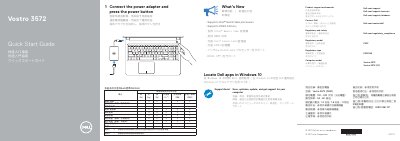
Dell Vostro 3572 Laptop Quick Start Guide
Quick Start Guide 2 pages · 235 KB · EN
This document serves as a Quick Start Guide for the Dell Vostro 3572 laptop. It provides instructions for initial setup, including connecting the power adapter and pressing the power button. The guide also directs users on how to locate Dell applications within the Windows 10 operating system.
Read onlineDell Vostro 3572 specifications
| Processor Support | Intel Gemini Lake processors |
|---|---|
| Memory Support | DDR4 memory |
| Input Voltage | 100 - 240 Volts |
| Input Frequency | 50 - 60 Hertz |
| Input Current | 1.3 Amps / 1.6 Amps / 1.7 Amps |
All Dell Vostro 3572 documents by type
Quick Start Guide 2
The shortest path to a working setup, usually only a few pages.
Questions answered in these manuals
How do I start the Dell Vostro 3572?
Connect the power adapter and press the power button.
What processor does the Vostro 3572 support?
It supports Intel Gemini Lake processors.
How do I start the laptop?
Connect the power adapter and press the power button.
What processor does the Vostro 3572 support?
It supports Intel Gemini Lake processors.