
The Dell Vostro 3572 laptop is powered by Intel® Gemini lake processors and DDR4 memory, and supports the Windows 10 operating system.
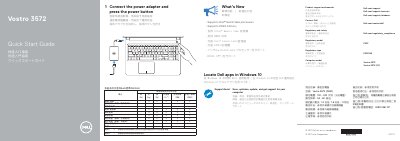
This document serves as a Quick Start Guide for the Dell Vostro 3572 laptop. It provides instructions for initial setup, including connecting the power adapter and pressing the power button. The guide also lists the various features of the device, such as the camera, microphone, and multiple USB ports.
| Processor Support | Intel Gemini Lake processors |
|---|---|
| Memory Support | DDR4 memory |
| Rated Voltage | 100 - 240 Volts |
| Rated Frequency | 50 - 60 Hertz |
Connect the power adapter and press the power button.
It supports Intel Gemini Lake processors.