
Key facts
- Brand
- DELL
- Model
- OptiPlex 9030 AIO
- Category
- All-in-One Desktops
- Documents
- 2
- Languages
- EN
- Last added
- 2023-11-25
Start here
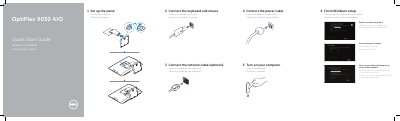
Dell OptiPlex 9030 AIO Quick Start Guide
Quick Start Guide 2 pages · 692 KB · EN
This guide provides step-by-step instructions for the initial setup of the Dell OptiPlex 9030 All-in-One PC. It covers enabling security updates, completing the Windows setup process, connecting to a network, and powering on the device. The guide is available in English, Portuguese, and Spanish.
Read onlineDell OptiPlex 9030 AIO specifications
| Input voltage | 100 V CA–240 V CA |
|---|---|
| Input current | 2,60 A |
| Input frequency | 50 Hz–60 Hz |
All Dell OptiPlex 9030 AIO documents by type
Quick Start Guide 2
The shortest path to a working setup, usually only a few pages.
Questions answered in these manuals
What is the regulatory model for the Dell OptiPlex 9030 AIO?
The regulatory model is W09C.
What is the input voltage range for the Dell OptiPlex 9030 AIO?
The input voltage is 100 V AC–240 V AC.
How do I turn on the computer?
Connect the power cable, then turn on the computer.
How do I connect the computer to a network?
Connect the network cable; this step is optional.