
Quick Start Guide for Dell Inspiron 14-5439 laptop.
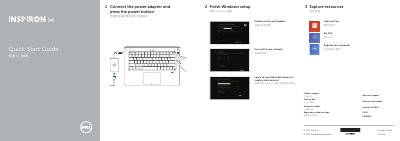
The guide begins with connecting the power adapter and pressing the power button, then walks the user through finishing Windows setup, creating or signing into a Microsoft account, and connecting to a network.
It also lists the laptop’s hardware features such as the microphone, camera, USB ports, and includes a set of shortcut keys for common actions.
| USB 3.0 port | with PowerShare |
|---|
Connect the power adapter and press the power button.
Disable/Enable touchpad.