
Dell Laser Printer 3000cn User's Guide
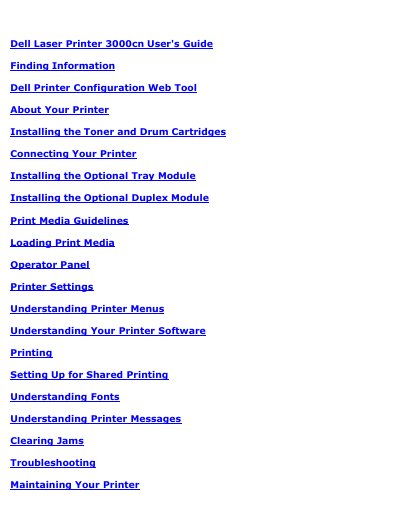
The Dell Laser Printer 3000cn User's Guide provides detailed instructions for setting up and operating the printer, including the installation of toner, drum cartridges, and optional modules such as the duplex module and tray modules.
It includes guidance on using the Dell Printer Configuration Web Tool for remote management, printer settings, and supply monitoring, as well as troubleshooting and maintenance procedures.
| Maximum Trays | 2 |
|---|
It allows users to check printer status, manage print jobs, change settings, and set up email alerts for supplies or intervention.
Your printer can be equipped with a maximum of two trays.
Plain Paper 1 (60–80 gsm) is supported.