
Yaskawa PG-F3 installation manual for connecting EnDat or HIPERFACE rotary encoders to compatible Yaskawa AC drives.
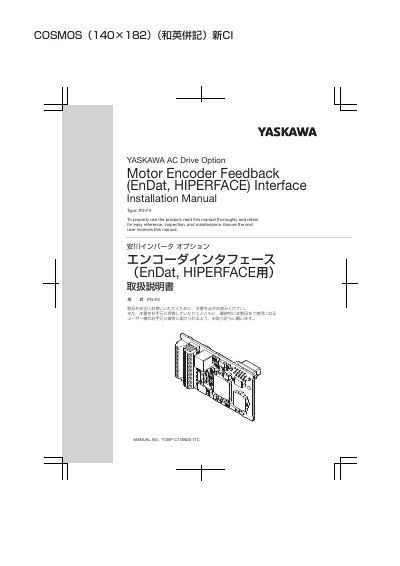
The PG-F3 option allows the user to connect certain rotary encoders to applicable Yaskawa drives. Suitable rotary encoders include EnDat 2.1/01, EnDat 2.2/01, or EnDat 2.2/22 by HEIDENHAIN, or HIPERFACE by SICK STEGMANN. It facilitates motor speed feedback to the drive and supports PM Closed Loop Vector control. The option reads a 20 kHz maximum input frequency from the PG encoder.
The manual covers receiving, option components, installation procedure, related parameters, troubleshooting, European standards, specifications, and disposal. It also lists compatible drive series and the tools needed for installation.
| Maximum input frequency | 20 kHz |
|---|---|
| Compatible encoder interfaces | EnDat 2.1/01, EnDat 2.2/01, EnDat 2.2/22, HIPERFACE |
| Compatible drive series | A1000, L1000A, U1000, U1000L, GA700, GA800, LA700 |
EnDat 2.1/01, EnDat 2.2/01, or EnDat 2.2/22 by HEIDENHAIN, or HIPERFACE by SICK STEGMANN.
The option reads a 20 kHz maximum input frequency from the PG encoder.
A1000, L1000A, U1000, U1000L, GA700, GA800, and LA700 series drives.
A Phillips screwdriver, flat-blade screwdriver, diagonal cutting pliers, and a small file or medium-grit sandpaper.