
This manual describes how to use the Yaskawa Varispeed series variable frequency drive to connect to the open field network PROFIBUS-DP for data exchange, PROFIBUS-DP communication interface card SI-P1 usage, specifications, etc.
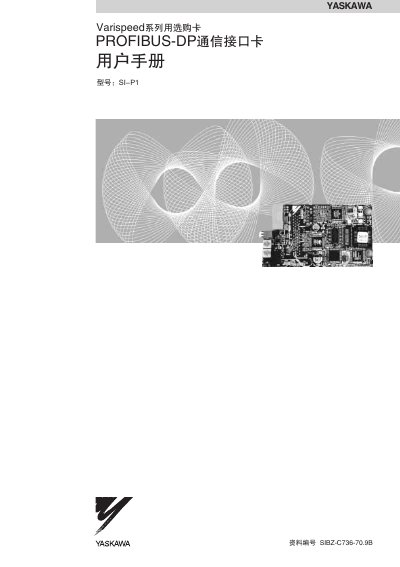
This manual describes the PROFIBUS‑DP communication interface card SI‑P1 that connects YASKAWA Varispeed inverters to an open‑field PROFIBUS‑DP network. It explains how to install the card, connect the communication cable, configure address switches, terminal resistors and communication speed, and how to use the LED indicators.
The document also provides a detailed register list, fault diagnosis procedures, and technical specifications such as power supply, operating temperature, humidity limits and supported communication rates. This manual is written in Chinese.
| 工作电源 | DC4.75V~5.25V (supplied by inverter) |
|---|---|
| 环境温度 | -10 °C to +45 °C |
| 湿度 | ≤95 % RH (no condensation) |
| 使用场所 | Indoor, non‑corrosive environment |
| 通信速度 | 9.6 kbps to 12 Mbps |
Set the two address switches; the address is calculated as (switch 2 value × 10) + (switch 1 value × 1).
The PWR LED lights green when the card receives power from the inverter.
Use a shielded twisted‑pair cable that meets PROFIBUS specifications.
Set the terminal resistor switch to ON when the SI‑P1 card is the last unit on the bus to provide the required termination.