
An Introduction to the NS600 Servo Drive by Yaskawa Electric. The manual covers installation, wiring, commissioning, digital I/O operation, serial communication specifications and methods, handheld digital operator operation, user parameter and program table setup, and fault diagnosis.
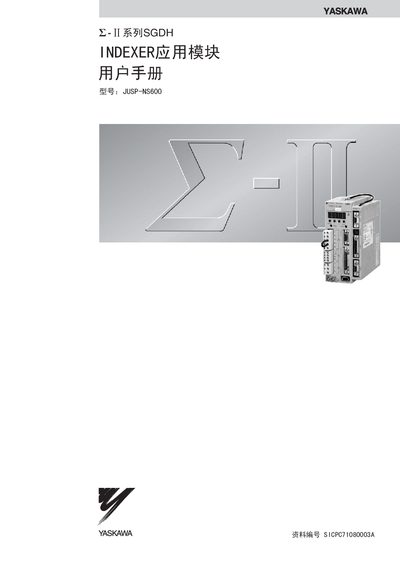
The JUSP-NS600 (INDEXER) is a single-axis positioning device with program table operation functions, designed to be installed on the side of a servo unit. It supports two types of instruction methods: digital I/O and serial commands via RS232/422/485 using ASCII strings.
This module is compatible with Sigma-II series SGDH servo units and supports the SigmaWin+ software for setting user parameters and program tables. It features external positioning capabilities, programmable output signals, and a ZONE table for area signal management. This manual is written in Chinese.
| Maximum Program Steps | 128 |
|---|---|
| Maximum JOG Speed Levels | 16 |
| Maximum Connected Axes (Serial) | 16 |
| Maximum ZONE Table Entries | 32 |
| Programmable Output Signals | 5 (/POUT0 to /POUT4) |
| Serial Communication Interfaces | RS232/422/485 |
Ver.4 adds features such as acceleration/deceleration settings in program tables, ZONE signal specification, backlash compensation, and absolute encoder origin setting.
The version can be identified by the last two digits of the VER. label on the product side nameplate.