
Ubiquiti NSM2/NSM3/NSM365/NSM5/locoM2/locoM5 Quick Start Guide

This guide provides installation instructions and access information for Ubiquiti high-power 2x2 MIMO airMAX TDMA station models.
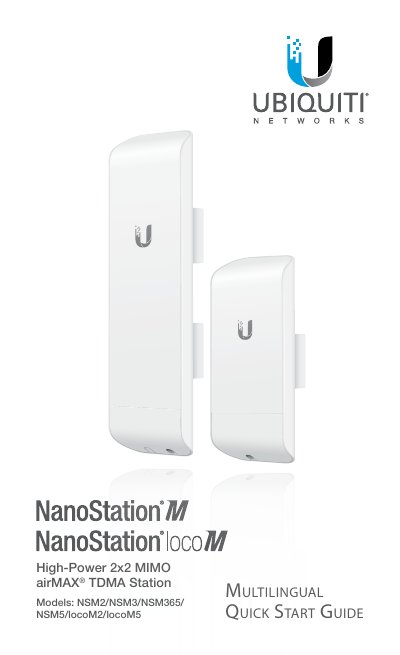

Ubiquiti NSM2/NSM3/NSM365/NSM5/locoM2/locoM5 Quick Start Guide - cover page
Brand
Ubiquiti
Category
Other Electronics
Document type
Quick Start Guide
Language
English
Pages
32
File format
PDF
File size
3.5 MB
Published
02 November, 2026
Updated
02 November, 2026
MD5 checksum
13593D8CA0F308445887B16C12953DEC

About this manual

This Quick Start Guide is designed to assist users with the installation of Ubiquiti Networks NanoStation high-power 2x2 MIMO airMAX TDMA station models, including the NSM2, NSM3, NSM365, NSM5, locoM2, and locoM5. The document outlines the contents of the package, hardware installation steps for pole and wall mounting, and requirements for network cabling and grounding.

What's inside

  • Introduction
  • Package Contents
  • Installation Requirements
  • Hardware Installation
  • Pole Mount Option
  • Wall Mount Option
  • Accessing airOS
  • Specifications

Frequently asked questions

What is the default IP address for the NanoStation?

The default IP address is https://192.168.1.20.

What are the default login credentials?

The default username and password are both 'ubnt'.

What type of cable is recommended for connections?

Shielded Category 5 (or above) cabling is recommended.

Download PDF (3.5 MB)

More Ubiquiti Manuals


View all Ubiquiti manuals →