
Quick start guide for the Ubiquiti UniFi Security Gateway (USG) covering package contents, installation, and software setup.
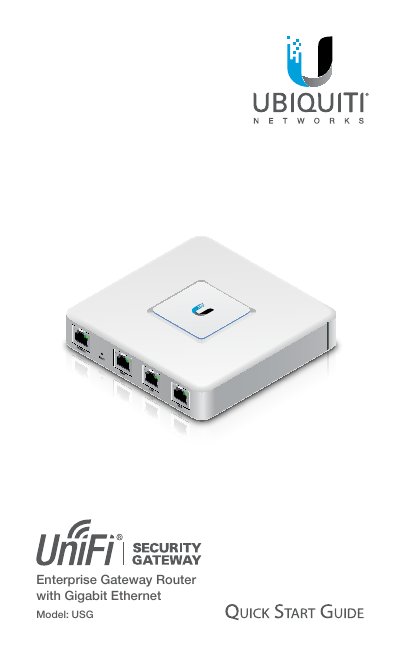
The Quick Start Guide provides essential information for setting up the Ubiquiti UniFi Security Gateway (USG), a gigabit Ethernet router that is part of the UniFi Enterprise System. It includes package contents, hardware overview, mounting instructions, power and network connections, and software installation steps.
Key sections cover hardware installation (wall‑mounting and clearance), power connection, Ethernet port setup, resetting to factory defaults, and detailed specifications such as dimensions, processor, memory, power consumption, and compliance markings.
| Dimensions | 135 x 135 x 28.3 mm |
|---|---|
| Weight | 366 g |
| Processor | Dual‑Core 500 MHz MIPS64 |
| System Memory | 512 MB DDR2 RAM |
| On‑Board Flash Storage | 2 GB |
| Max Power Consumption | 7 W |
| Power Supply | 12 VDC, 1 A (included adapter) |
| Operating Temperature | -10 °C to 45 °C |
| Ethernet Ports | 3 × 10/100/1000 Mbps (WAN, LAN, Data) |
The LAN port is set to DHCP Server by default.
Press and hold the Reset button for about 10 seconds until the right LED on the VOIP port starts flashing and then becomes solid.
A 12 V DC, 1 A power adapter is included.