
StarTech.com SV431DPU3A2 DisplayPort 4-Port KVM Switch User Manual

User manual for StarTech.com's SV431DPU3A2 DisplayPort 4-port KVM switch with setup, connection, and troubleshooting instructions.
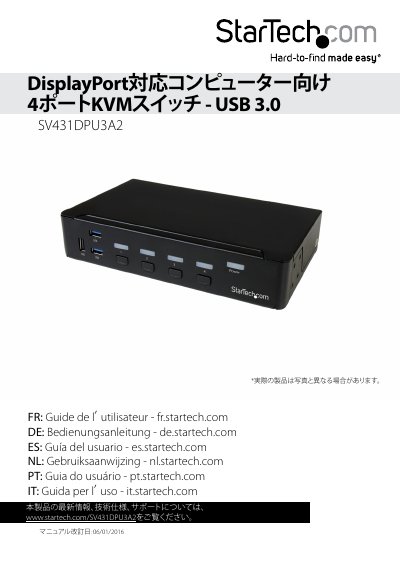

StarTech.com SV431DPU3A2 DisplayPort 4-Port KVM Switch User Manual - cover page
Brand
StarTech.com
Document type
User Manual
Language
Japanese
Pages
14
File format
PDF
File size
917 KB
Published
22 November, 2026
Updated
22 November, 2026
MD5 checksum
0360568E03813AEA6B928AAAF9EC05D9

About this manual

This manual provides setup and operation instructions for the StarTech.com SV431DPU3A2, a 4-port DisplayPort KVM switch. It includes steps for connecting monitors, keyboards, mice, and computers, configuring USB ports, and troubleshooting common issues. The device supports USB 3.0 with 5 Gbps transfer speed and allows switching between four computers using hotkeys or auto-scan. This manual is written in Japanese.

What's inside

  • Product Diagram
  • Package Contents
  • Operating Environment
  • USB 3.0 and USB 3.1 Gen 1
  • KVM Switch Setup
  • Connecting Console and KVM Switch
  • Connecting Computers to KVM Switch
  • Video Adapters
  • Drivers
  • Troubleshooting

Specifications

Maximum Data Transfer Speed5 Gbps
Maximum Resolution4K at 30Hz

Frequently asked questions

What is the maximum resolution supported by this KVM switch?

The maximum resolution is 4K at 30Hz.

Does this KVM switch require drivers to be installed?

No, it does not require drivers as the keyboard and mouse use standard USB drivers.

What USB standard does this KVM switch support?

It supports USB 3.0 (also known as USB 3.1 Gen 1) with a maximum transfer speed of 5 Gbps.

Download PDF (917 KB)

More StarTech.com Manuals


View all StarTech.com manuals →