
StarTech.com USB2DVI USB to DVI Adapter User Manual

USB 2.0 to DVI Multi-Display Adapter
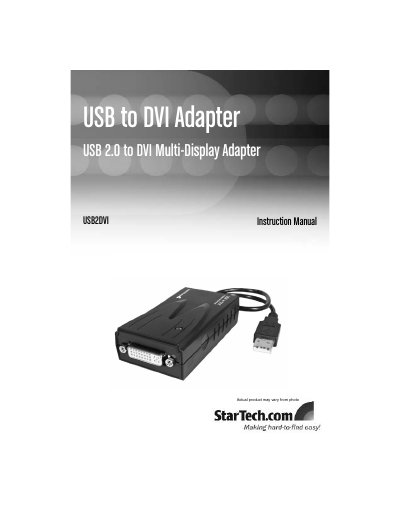

StarTech.com USB2DVI USB to DVI Adapter User Manual - cover page
Brand
StarTech.com
Category
Other Computer Accessories
Document type
User Manual
Language
English
Pages
10
File format
PDF
File size
297 KB
Published
16 October, 2023
Updated
16 October, 2023
Model
USB2DVI
MD5 checksum
647588E3D125D7839802751734B5DD3B

About this manual

The document is an instruction manual for the StarTech.com USB2DVI adapter, designed to turn a standard USB 2.0 port into a high-quality DVI connection for a second monitor. It details system requirements and package contents, noting that up to six adapters can be connected simultaneously.

What's inside

  • Introduction
  • Features
  • System Requirements
  • Package Contents
  • Installation
  • Configuration
  • Using the Second Display in Extended Mode
  • Using the Second Display in Clone Mode
  • Media Playback
  • Warranty Information

Specifications

Max Resolution Supported1600 x 1200 @ 32 bits
Operating System SupportWindows 2000/XP/Vista
Signal InputUSB
Signal OutputDVI
Cable Length35cm (13.8")
Connector(Input)USB B-Type
Connector(Output)DVI-I Female
Weight75g

Frequently asked questions

How many USB2DVI adapters can be connected simultaneously?

Up to six USB2DVI adapters can be connected to a source computer simultaneously.

Does the adapter require an external power source?

No, the device is USB powered and requires no external power source.

Download PDF (297 KB)

More StarTech.com Manuals


View all StarTech.com manuals →