
This file is the user manual of Startech company's SDOCK2U33RE 1:1 SATA USB 3.0/eSATA duplicator.
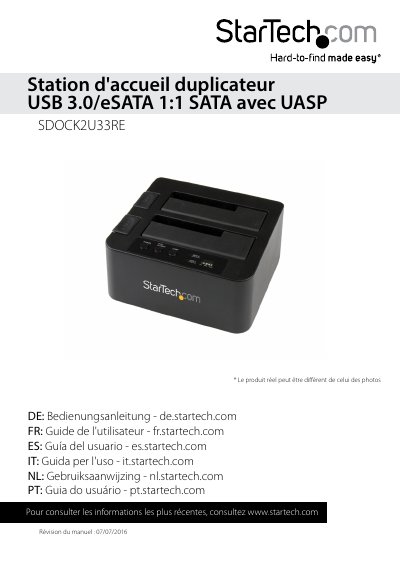
This is the French-language user manual for the StarTech.com SDOCK2U33RE, a 1:1 SATA duplicator dock with USB 3.0 and eSATA host ports and two SATA drive slots.
The document covers the product diagram, package contents, system configuration, dock and drive installation, drive removal, duplication, PC-mode dock operation, drive initialization, LED indicators, disconnecting a hard drive, specifications, technical support and warranty information. This manual is written in French.
| Host connections | USB 3.0 and eSATA |
|---|---|
| Drive slots | Two SATA slots: HDD1 for duplication destination and HDD2 for duplication source |
| Supported drives | Up to two 2.5-inch or 3.5-inch SATA HDDs or SSDs |
| System requirements | Computer with available eSATA or USB 3.0/2.0 port |
| Supported operating systems | Windows 2000/XP/Server 2003/Vista/Server 2008 R2/7/8/8.1 (32/64-bit), Mac OS 9.x/10, Chrome OS or Linux |
Place the drive containing the data to copy in HDD slot 2, the source bay; the drive to receive the copy goes in HDD slot 1, the destination bay.
Press and hold the PC/Copy mode button for 3 seconds until the associated LED turns red.
Verify that the hard drives are disconnected from your computer's operating system before removing them; otherwise you may lose data or damage the drive.
A flashing LED means the hard drive is being accessed; do not remove the drive while the LED is flashing because it may be damaged and data lost.