
StarTech.com NOTECONS02X Rugged Crash Cart Adapter Quick Start Guide

This document introduces NOTECONS02X Rugged crash cart adapter, provides product system requirements, installation instructions, and operating instructions.
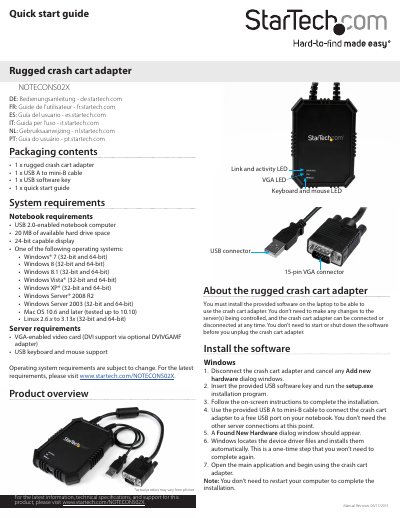

StarTech.com NOTECONS02X Rugged Crash Cart Adapter Quick Start Guide - cover page
Brand
StarTech.com
Category
Other Computer Accessories
Document type
Quick Start Guide
Language
English
Pages
2
File format
PDF
File size
364 KB
Published
16 October, 2023
Updated
16 October, 2023
MD5 checksum
2CF260BA2E136EE7608291CC5DA6A846

About this manual

This document serves as a quick start guide for the StarTech.com NOTECONS02X Rugged Crash Cart Adapter. It lists the included packaging items such as the adapter, USB cable, software key, and manual. The guide specifies system requirements for both notebook computers (Windows and Mac OS) and servers to ensure compatibility.

What's inside

  • Packaging contents
  • System requirements
  • Notebook requirements
  • Server requirements
  • About the rugged crash cart adapter
  • Install the software (Windows)
  • Install the software (Mac OS)
  • Connect the crash cart adapter

Specifications

Warranty Periodtwo-year warranty
USB Cable TypeUSB A to mini-B cable

Frequently asked questions

Do I need to restart my computer after installation?

No, you do not need to restart your computer to complete the installation.

Can I connect or disconnect the adapter while software is running?

Yes, the crash cart adapter can be connected or disconnected at any time without stopping the software.

Download PDF (364 KB)

More StarTech.com Manuals


View all StarTech.com manuals →