
This document is SV231DPDDUA2 2-Port KVM Switch with Dual DisplayPort - 4K 60Hz user manual.
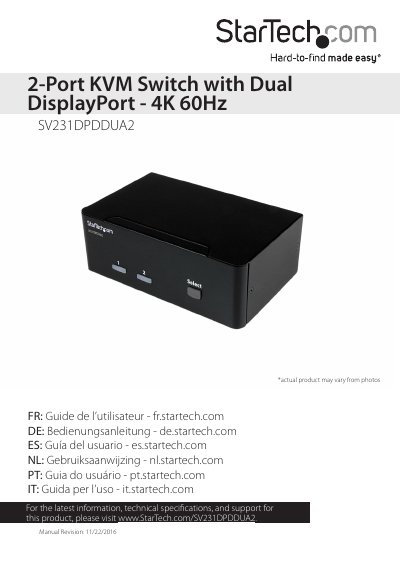
This manual provides setup and operation instructions for the SV231DPDDUA2 KVM switch. It details how to connect computers and displays, use hotkey commands, and manage audio switching. The switch supports dual DisplayPort 1.2 connections for 4K 60Hz resolution and includes USB hub ports for peripherals.
The guide covers LED indicators, port selection methods, troubleshooting common issues like mouse/key repeat or display compatibility, and includes system requirements for optimal performance.
| Video Resolution | 4K at 60Hz |
|---|---|
| DisplayPort Version | DisplayPort 1.2 |
| Ports | 2-Port KVM Switch |
| Audio | 3.5 mm audio speaker and microphone ports |
The maximum resolution is 4K at 60Hz.
No, generic USB drivers are already installed on any operating system that supports USB technology.
Press Left Ctrl twice, then press the number of the PC port you want to select.
Yes, press Left Ctrl, Left Ctrl, F5 to enable it, or press Left Ctrl, Left Ctrl, F5 to disable it.