
This is a manual for Startech SDOCK1EU3P Standalone Hard Drive Eraser & USB 3.0 Dock
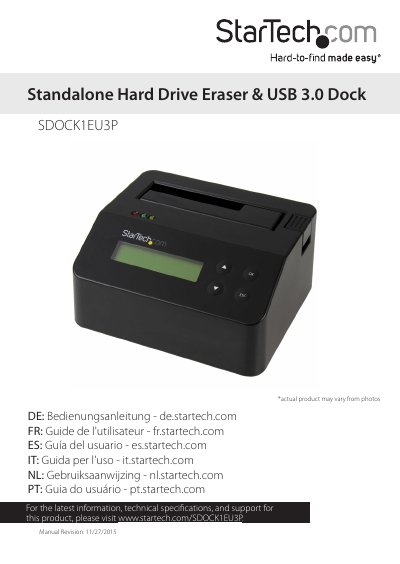
The SDOCK1EU3P is a standalone device designed to erase 2.5-inch and 3.5-inch SATA, IDE, mSATA, and M.2 drives without requiring a computer connection. It features nine erase modes, including Quick Erase, multi-pass overwrites, and Secure Erase commands, to ensure data security. The device also functions as a single-bay USB 3.0 dock for fast data transfer.
| Supported Drive Sizes | 2.5 in. and 3.5 in. |
|---|---|
| Interface Speed | USB 3.0 (5 Gbps) |
| Erase Modes | Nine erase modes |
| Compatible Drive Types | SATA, IDE, mSATA, M.2 |
Yes, you can use the SDOCK1EU3P standalone eraser dock to erase your drives without having to connect to a computer.
The device supports nine erase modes, including Quick Erase, 1-Pass Erase, and various multi-pass overwrites.
Yes, you can connect a serial printer to the device to print a confirmation that includes the time, date, and erase mode used.