
This is an instruction manual for S25SLOTR 2.5in SATA Removable Hard Drive Bay for PC Expansion Slot
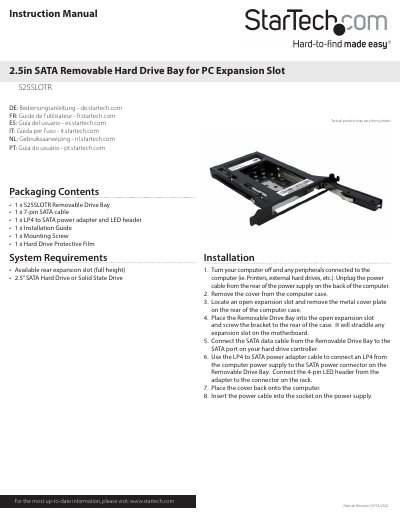
This manual provides step-by-step instructions for installing the S25SLOTR drive bay into a PC's expansion slot. It includes details on required components, system compatibility, and connection procedures. The bay supports 2.5" SATA drives and features a sliding door mechanism for drive insertion and ejection.
The manual also covers technical specifications, FCC compliance, warranty information, and troubleshooting tips for potential interference issues with radio or TV reception.
| Bus Interface | SATA I/II/III |
|---|---|
| Internal Connectors | 7-pin SATA data, 15-pin SATA power, 4-pin LED header |
| Drive Compatibility | 2.5” SATA Drive, 7mm or 9.5 mm height |
| Operating Temperature | 0° C - 55° C (32°F to 131°F) |
| Dimensions | 120.0 mm x 145.0 mm x 21.0 mm |
| Weight | 158.4 g |
It supports 2.5" SATA drives with 7mm or 9.5mm height.
The bay operates between 0°C and 55°C (32°F to 131°F).