
This document is about the instruction manual of RACKCONS17HD / RKCONS17HDGB 1U 17in 1080p LCD Rack Console with Front USB Hub
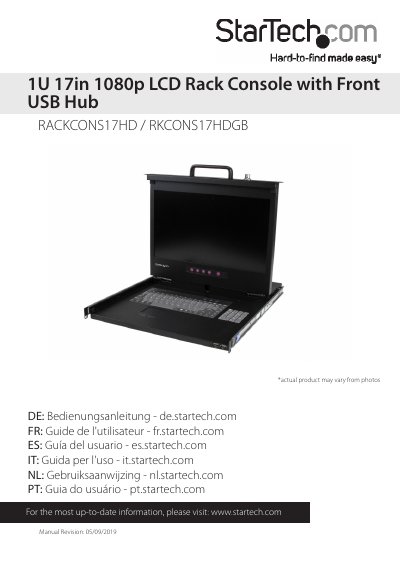
This document serves as the instruction manual for the StarTech.com RACKCONS17HD and RKCONS17HDGB 1U 17-inch 1080p LCD Rack Console. It covers the product overview, packaging contents, and detailed installation procedures for mounting the unit in racks of varying depths (19.84 - 39.37 inches). The guide explains how to install the mounting rails and secure the console, including specific steps for different rack sizes.
| Display Size | 17.3" |
|---|---|
| Maximum Screen Resolution | 1920x1080 (Full HD) |
| Response Time | 2ms |
| Brightness | 300cd/m² |
| Power Consumption | 10.2W |
| Weight | 28.7 lbs (13 kg) |
The console can be installed into racks where the depth measures between 19.84 - 39.37in (504 - 1000 mm).
The console features 2x PS/2, 1x VGA, 1x DVI-I, 2x USB A on the interface, and 2x USB A on the other interface.
This product is backed by a two year warranty covering defects in materials and workmanship.