
S251BRU31C3 2.5” USB-C External Hard Drive Enclosure - Rugged - USB 3.1 (10Gbps)
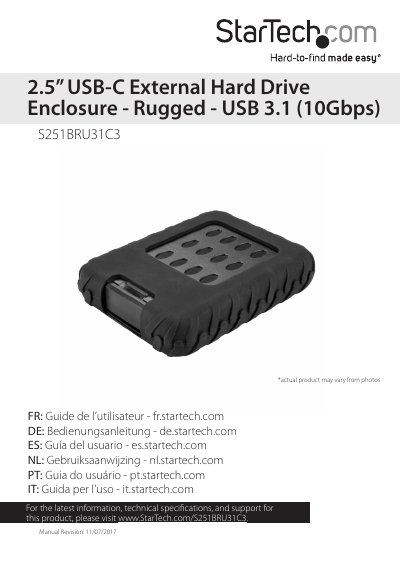
This document is the user manual for the StarTech.com S251BRU31C3, a rugged 2.5-inch external hard drive enclosure supporting USB 3.1 (10Gbps) connectivity. The manual provides instructions on installing a 2.5-inch SATA SSD or HDD into the protective casing, connecting the device via USB-C to USB-C or USB-C to USB-A cables, and preparing new drives for use on Windows or macOS systems. It also details the safe removal of drives and includes warranty information.
| Interface Speed | USB 3.1 (10Gbps) |
|---|---|
| Drive Size | 2.5" |
| Warranty Period | two-year |
| Power Requirement | USB bus power |
No, the rugged enclosure receives enough power through the USB bus that it is connected to.
The maximum USB throughput is 10Gbps when using a system with a USB 3.1 Gen 2 port.
Yes, the enclosure is backwards compatible and supports USB 2.0 and USB 3.1 Gen 1 (5Gbps).