
User's manual for the SATA CD/DVD/Blu-ray Duplicator covering setup, operation, HDD management, and troubleshooting.
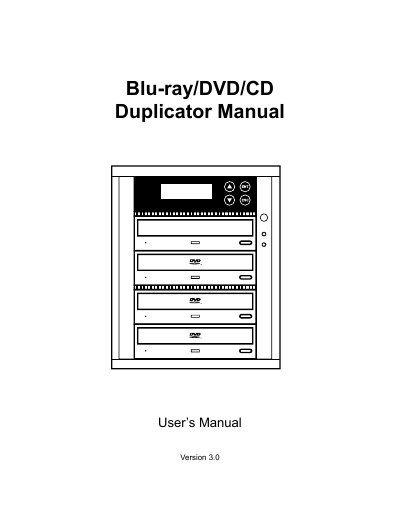
This manual provides instructions for the SATA CD/DVD/Blu-ray Duplicator, a standalone device designed to duplicate discs up to 11 targets from a single master without a computer. It details the use of the four-button interface and LCD screen for navigation and status display.
| Working Temperature | 0°C ~ 75 °C |
|---|---|
| Storage Temperature | -20°C ~ 85°C |
| Working Humidity | 20%~80% |
| Storage Humidity | 5%~95% |
| Maximum Targets | 11 |
The Test function simulates the copy process to verify that target discs are usable without recording data onto them.
No, the Compare function cannot be used with audio CDs.
The Copy Counter can be reset by selecting the Clear Counter option in the Utility menu.