
Quick start guide for the Phoenix Contact PDR-1000, covering power-up, module installation, SD card, user interface connection, and configuration.
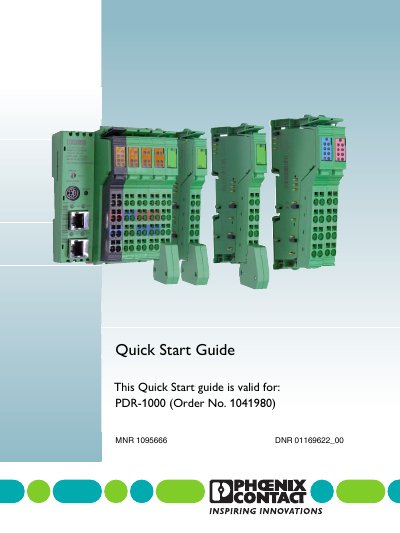
This Quick Start Guide applies to the Phoenix Contact PDR-1000. It is intended for qualified electricians or persons instructed by them and covers device power-up, controller wiring, input module installation, SD flash card memory, user interface connection, module configuration, and administrative settings.
The guide lists available input modules with order numbers, states that up to ten modules can be used on the bus, and describes the default IP address, recommended browsers, and default administrator password for accessing the device.
| Maximum modules on bus | Up to ten |
|---|---|
| SD card | 2 GB, pre-installed; only Phoenix Contact 2 GB cards supported |
| Default device IP address | 192.168.0.5 |
| Default administrator password | private |
Up to ten modules can be used on the bus at a time.
It includes a pre-installed 2 GB SD card, and only Phoenix Contact 2 GB cards are supported.
The default password is private.
Google Chrome or Mozilla Firefox are recommended.