
User manual for Phoenix Contact signal conditioners including MACX Analog, MACX Analog Ex, MACX PL, MINI Analog, and MINI Analog Pro models.
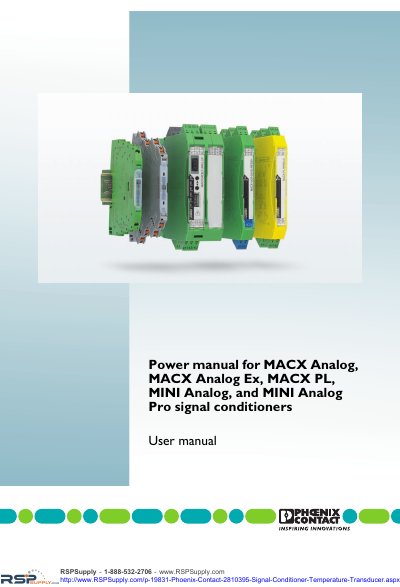
This user manual provides detailed instructions for supplying and installing Phoenix Contact signal conditioners. It covers various power supply options including direct DC supply, power terminal blocks, and system power supplies. Safety notes and installation guidelines are provided for different module types and environments.
The manual is designed for qualified electricians and application programmers familiar with electrical safety and automation standards. It includes diagrams and specifications for wiring and power distribution, with emphasis on compatibility between different product ranges.
Direct DC supply at any Analog module in the group is particularly suitable when you only need to supply a small number of signal conditioners, around two to eight.
This option is particularly suitable when dealing with larger quantities of signal conditioners mounted side by side, such as in new installations.
The system power supply option accepts an input range of 85 V AC to 264 V AC.