
This Olympus Stylus710/µ710 digital camera user manual explains button functions, menu settings, shooting modes, playback, and troubleshooting.
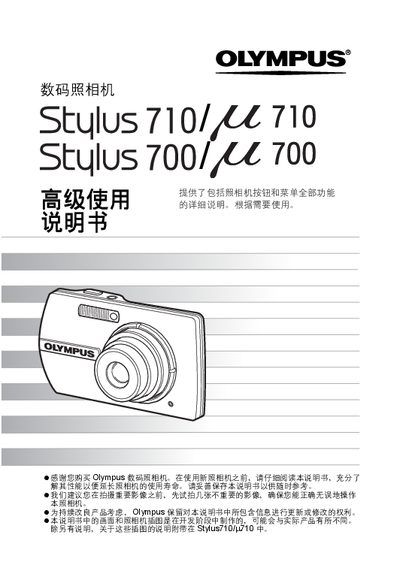
The manual provides a complete description of all buttons and menu functions for the Olympus Stylus710/µ710 digital camera, helping users operate the camera correctly and extend its lifespan. It includes safety notices, preparation steps, and guidance on using special features such as image stabilization and scene selection.
Detailed sections cover power operation, shutter control, mode dial usage, menu navigation, image quality settings, playback functions, image editing, printing, and connection to a computer via Olympus Master software. The guide also contains troubleshooting tips, battery care, and accessory information. This manual is written in Chinese.
| Video output | TV (VIDEO output) |
|---|
Press the POWER button to turn the camera on.
Rotate the mode dial to select either the shooting mode or the playback mode.
Press the S button to delete the selected image.