
The Olympus SP-550UZ digital camera user manual provides quick start steps, button functions, menu details, printing instructions, and technical specifications.
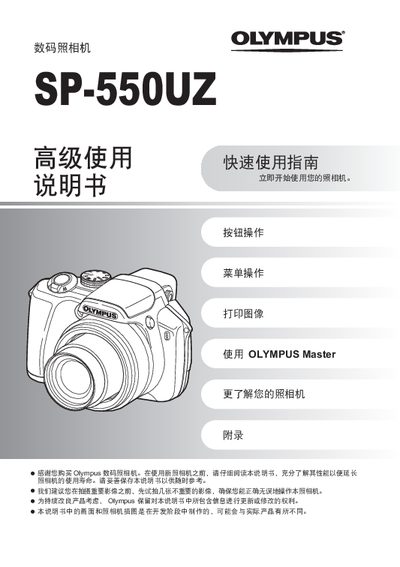
This manual guides users through the basic operation of the Olympus SP-550UZ digital camera, covering quick start procedures, button functions, and menu navigation. It also explains how to print images, transfer files using Olympus Master, and troubleshoot common issues.
The appendix contains detailed specifications of the camera, including sensor type, lens range, storage options, power requirements, and physical dimensions, helping users understand the device's capabilities and limits. This manual is written in Chinese.
| Effective pixels | 7,100,000 |
|---|---|
| Image sensor | 1/2.5" CCD |
| Lens focal length | 4.7 – 84.2 mm, f/2.8 – f/4.5 |
| Storage media | xD‑Picture Card 16 MB – 2 GB |
| LCD screen | 2.5" TFT, 230,000 pixels |
| Battery | 4 × AA alkaline or NiMH, or Olympus AC adapter |
| Dimensions (W×H×D) | 116.0 mm × 78.5 mm × 78.0 mm |
| Weight | 365 g (without battery and card) |
| Shutter speed range | 15 s – 1/2000 s (bulb up to 8 min) |
The camera uses an xD‑Picture Card ranging from 16 MB to 2 GB.
Set the mode dial to q, press the 4& and 3# buttons to select the image, then press the S button and confirm deletion with the O button.