
This document is the user manual for Olympus digital cameras, which introduces the performance of the camera, methods to extend its lifespan, and preparations before use. It also provides important tips and product warranty statements.
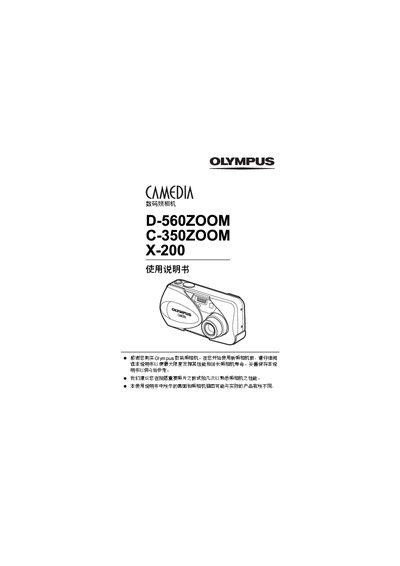
The manual introduces the basic functions and operation of the Olympus D-560ZOOM, C-350ZOOM, and X-200 digital cameras. It covers how to power the camera, use the LCD, and navigate menus for shooting and playback.
Detailed sections describe each shooting mode (high‑angle, close‑up, night scene, panorama, quick view), printing options, USB and video‑out connections, and troubleshooting steps such as resetting the camera or addressing non‑working conditions. This manual is written in Chinese.
| Digital Zoom | Available |
|---|---|
| Video Out Interface | Available |
Use MODE RESET to clear the current settings, or ALL RESET to save and restore the default configuration.
The camera offers high‑angle, close‑up, night scene, panorama, and quick view shooting modes.