
Quick guide for Olympus FE-230/X-790 and FE-240/X-795 digital cameras covering basic operation, battery charging and image capture.
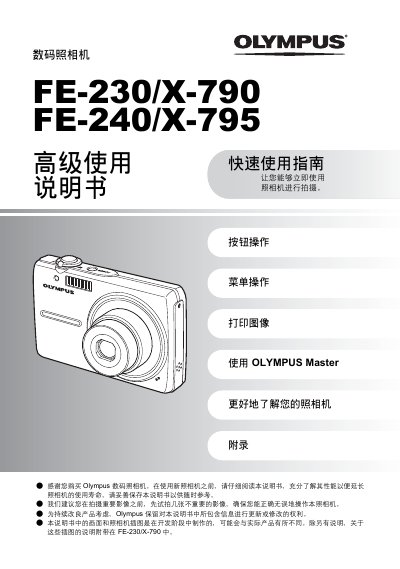
This quick start guide introduces the Olympus FE-230/X-790 and FE-240/X-795 digital cameras. It explains how to prepare the battery, insert the xD‑Picture Card, and navigate the basic button and menu functions.
The manual also details how to set date and time, select shooting modes, and use the LCD screen and external interfaces such as USB and A/V OUT. An appendix provides full technical specifications for both camera models. This manual is written in Chinese.
| Effective pixel count | 7,100,000 pixels |
|---|---|
| Image sensor | 1/2.5" CCD |
| Lens (FE-230/X-790) | 6.3 – 18.9 mm, f3.1 – 5.9 |
| Lens (FE-240/X-795) | 6.4 – 32 mm, f3.3 – 5.0 |
| Storage media | xD‑Picture Card (16 MB – 2 GB) |
| LCD screen | 2.5" TFT color LCD, 115,000 pixels |
| Battery | Olympus Li‑ion battery (LI‑42B/LI‑40B) |
| Shutter speed range | 4 – 1/2000 sec |
Insert the battery, connect the charger, and watch the indicator: red light means charging, green light means charging complete.
No, the camera can capture images without an inserted card; however, for storage you can insert an xD‑Picture Card as described in the ‘Insert and Remove Card’ section.