
Quick start guide for the Olympus Master digital camera covering setup, battery charging, date/time settings, shooting modes and image review.
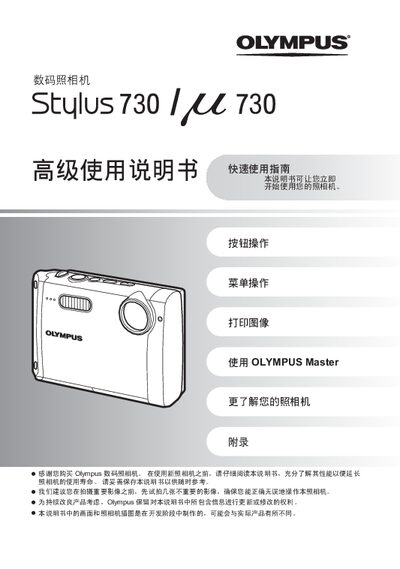
This guide walks you through the basic operations of the Olympus Master digital camera. It includes instructions for charging the lithium‑ion battery, inserting the xD‑Picture Card, and configuring the date and time.
The manual also explains the Simplified and Standard shooting modes, how to capture and review images, and how to delete unwanted photos. An appendix provides technical specifications and reference information.
| Effective Pixels | 7,110,000 |
|---|---|
| Image Sensor | 1/2.33" CCD |
| Lens Focal Length | 6.7–20.1 mm |
| Shutter Speed | 4 s – 1/1000 s |
| ISO Range | ISO 80 – ISO 3200 |
| Total Pixels | 7,380,000 |
| LCD Size | 3.0" TFT |
Insert the battery into the camera; the red indicator lights while charging and turns off when charging is complete.
Press the MODE button; each press toggles between Simplified and Standard mode and displays the current mode on the screen.