
This manual provides operating instructions, button functions, menu navigation, and specifications for an Olympus digital camera.
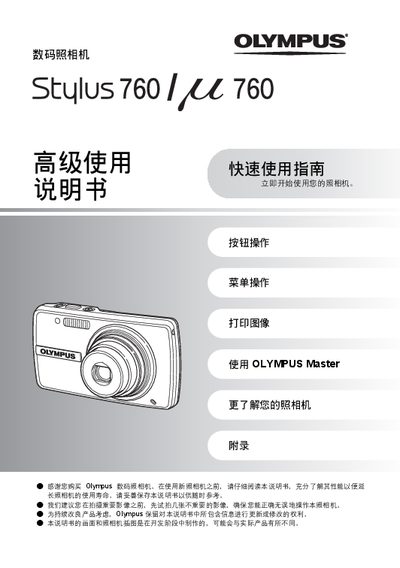
The guide starts with a quick‑start section that shows how to insert the battery, attach the strap, and power on the camera. It explains button functions, menu operation, and how to set the date and time before shooting.\n\nLater sections cover image capture, playback, printing, and transferring files to a computer. An appendix lists detailed technical specifications such as sensor type, lens range, storage options, and environmental limits. This manual is written in Chinese.
| Effective pixel count | 7,110,000 pixels |
|---|---|
| Image sensor | 1/2.33" CCD |
| Lens focal length | 6.5 – 19.5 mm, f/3.4 – f/5.7 |
| Storage media | xD‑Picture Card 16 MB – 2 GB |
| Battery type | Olympus Li‑ion battery (LI‑42B/LI‑40B) |
| LCD screen | 2.5" TFT color LCD, 230,000 pixels |
| Dimensions (W×H×D) | 99 mm × 54 mm × 24.4 mm |
| Weight | 120 g (without battery or card) |
Charging the battery takes about 5 hours.
Approximately 200 images can be stored on a full charge.