
This document is an advanced user manual for Olympus digital cameras, providing detailed information on the camera's features and how to use them.
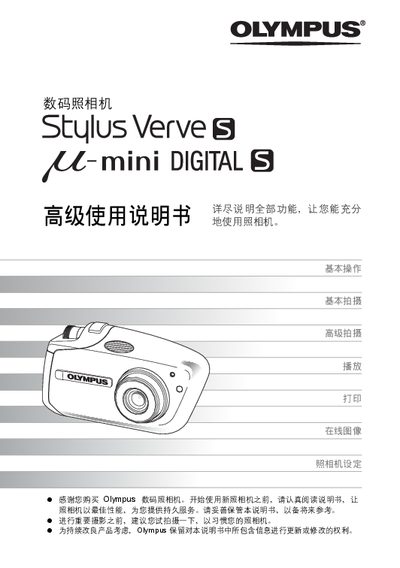
This manual provides detailed instructions for operating the Olympus digital camera, covering basic and advanced shooting modes, playback, printing, and configuration settings. It also includes troubleshooting tips and an appendix with part names and specifications.
The guide is organized into chapters such as Basic Operation, Basic Shooting, Advanced Shooting, Playback, Settings, Printing Images, Connecting to a PC, and an Appendix with fault diagnosis and part lists, helping users get the most out of their camera. This manual is written in Chinese.
Select the language option in the menu; the language selection page is listed as page 83.
Use the USB connection described in the section starting on page 108 to link the camera to a PC.