
This manual provides a detailed description of all the functions of the Olympus D-630 ZOOM FE-5500 X-600 digital camera, allowing you to make full use of the camera.
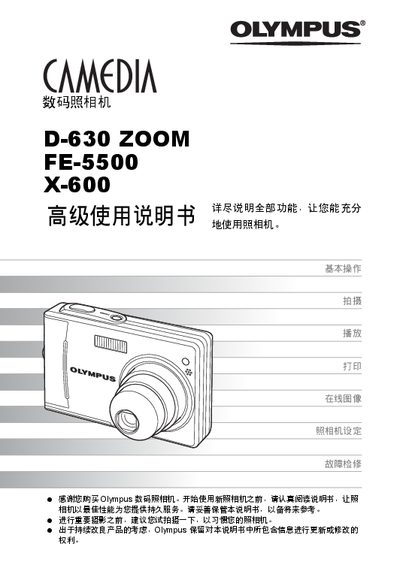
This advanced user manual guides Olympus digital camera owners through basic operation, shooting techniques, playback, and printing. It includes sections on camera setup, menu navigation, and troubleshooting to help users get the most out of their devices.
The manual covers specific functions such as various shooting modes, image editing, direct printing via PictBridge, and connecting the camera to a computer with Olympus Master software. Appendices provide additional reference information and an index for quick lookup. This manual is written in Chinese.
Use the Olympus Master software to connect the camera to a computer as described in the "Connecting camera to computer" section.
The camera supports direct printing via PictBridge; select the direct print option to send images to a compatible printer.