
This manual introduces the use of PS760 digital recording stand, including safety instructions, accessories list, installation and connection, start-up, control panel/remote control keys and screen menu introduction, common function instructions, connecting microscopes, DIP switch settings, storage and common fault troubleshooting, etc.
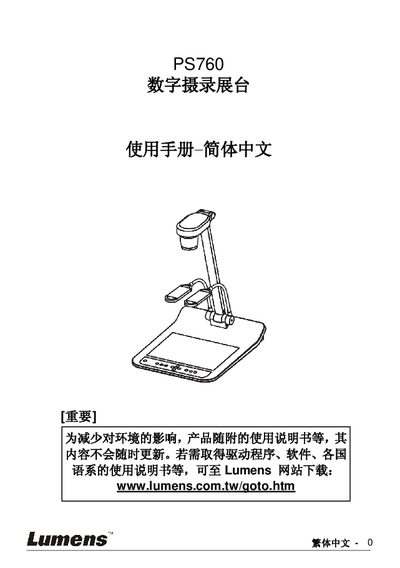
This manual covers safety guidelines, product overview, and detailed installation steps for connecting the PS760 to projectors, computers, and other devices. It explains how to set up video inputs such as C‑Video, S‑Video, HDMI/HDTV, and VGA, as well as audio connections and RS232 control.
The guide also describes common functions like Auto Tune, image zoom, PIP, and factory reset, and includes a troubleshooting chapter that lists typical issues and their solutions. Firmware update instructions and support contact information are provided at the end. This manual is written in Chinese.
| Video Input | C‑Video or S‑Video |
|---|---|
| Interface | RS232 |
| Audio | Input and Output |
| Video Output | VGA (VGAOUTZ2) |
| Feature | Auto Tune |
| Feature | Factory Reset |
Use the Factory Reset function described on page 36 of the manual.
Visit the Lumens website (www.lumens.com.tw) for the latest firmware version and update instructions.
Select the Auto Tune function on the control panel to automatically adjust brightness, contrast, and white balance.